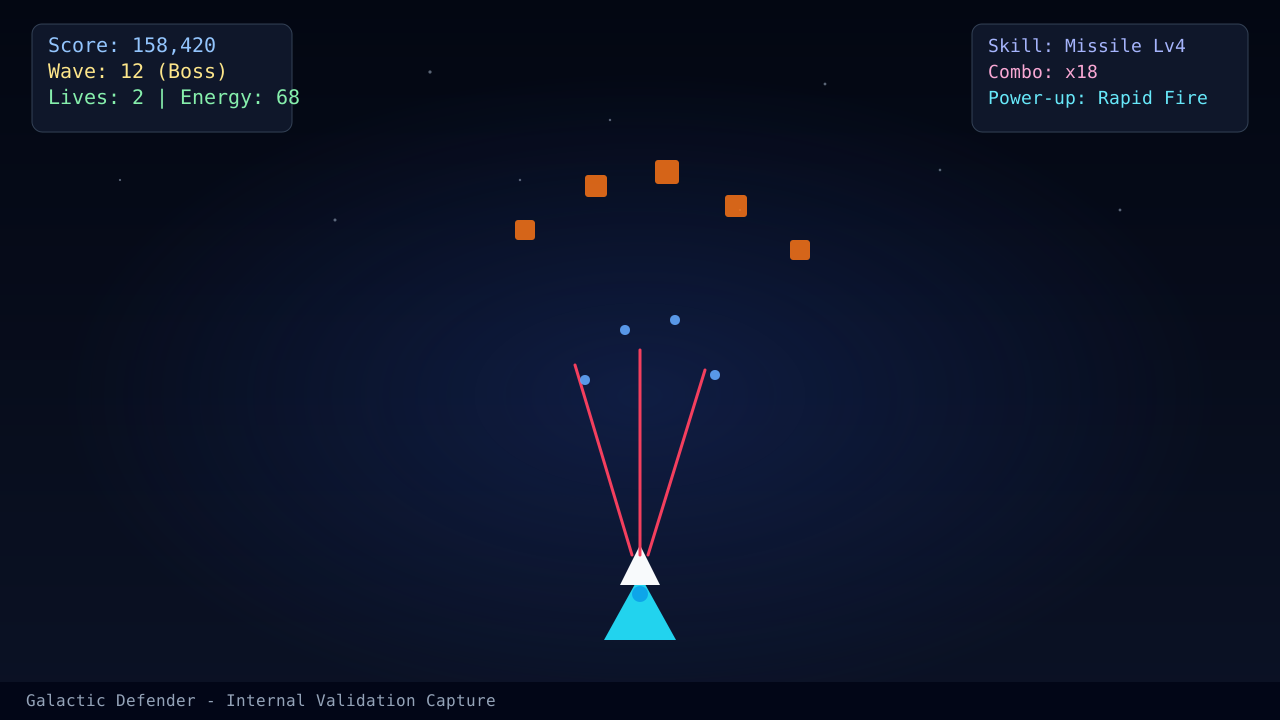
Mobile control problems are usually too much motion, not too little. Players drag across half the screen every time danger appears, then have no clean way to recover for the next bullet line. The fix is to turn the screen into a set of lanes and move only one lane at a time unless a pattern truly demands more.
Build a default thumb zone
Pick a comfortable resting zone and return to it after every correction. If you keep starting from a different place, your ship movement will feel inconsistent even when your tactical idea was correct.
For general control setup, review the Controls and Input Guide. For browser-specific lag or stutter, continue to Browser Performance Fixes.
Mobile rules that improve survival fast
- shorten drag distance before you increase aggression
- pre-aim for the next lane instead of reacting after the enemy fires
- avoid covering too much of the screen with your thumb during boss patterns
- stop blaming aim when the real issue is thermal slowdown or background apps
A better way to judge touch performance
The correct question is not, "Did I hit the target?" It is, "Did my thumb movement leave me a stable recovery lane?" If the answer is no, the next mistake is already queued up.
Read next
- Browser Performance Fixes if touch feels delayed even when your motion plan is good.
- Performance Tuning on Low-End Devices if stutter gets worse in long sessions.
- Boss Pattern Breakdown and Punish Timing once your touch inputs feel stable enough for boss practice.
What changed in this update
This revision separates touch-lane discipline from hardware troubleshooting so mobile readers can tell whether the fix is in their thumb path or in the device itself.
Article FAQ
How do I stop dragging too far on mobile?
Shrink your thumb travel distance and think in lanes rather than exact pixels. Long drags create delayed corrections.
Do I need a tablet to play well?
No. A larger screen helps readability, but touch discipline matters more than screen size.
Sources
- Play page - Used to verify current mobile touch behavior and UI flow.
- Browser performance fixes - Companion reference for mobile browser slowdown and input lag.