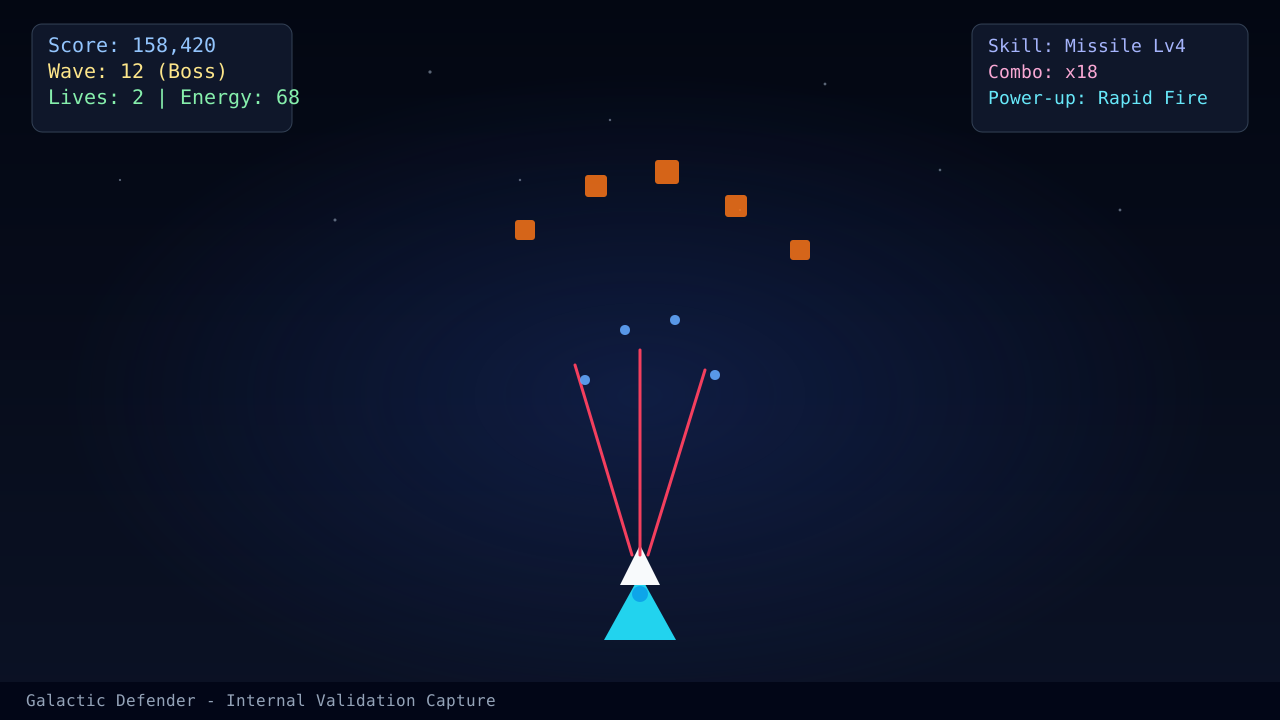
Bad inputs create fake strategy problems. If your ship overshoots lanes, you will blame the enemy pattern, the upgrade route, or the weapon choice when the actual issue is that your hands are sending noisy commands. Solve input quality first.
Pick a control method and stay with it for a week
Switching between mouse, keyboard, and touch every few runs slows improvement. Pick one method and give it enough repetition to become boring. That is when the real mistakes show up.
For desktop players, the most useful comparison is between this page and Keyboard Movement Techniques for High Accuracy. For mobile players, continue into Mobile Controls Optimization for Consistent Aiming.
What clean input looks like
Clean input is not dramatic. It looks like:
- short corrections instead of giant sweeps
- a predictable recovery lane after every dodge
- no accidental movement during upgrade decisions
- firing pressure that continues while you reposition
Quick troubleshooting table
| Symptom | Likely cause | First fix |
|---|---|---|
| Ship keeps overshooting | Movement amplitude is too large | Cut movement distance in half for the next five runs |
| You freeze during dense waves | Input method is too mentally expensive | Use a simpler control path and remove unnecessary switching |
| Aim is fine but deaths continue | Positioning choice is wrong, not the input | Review Beginner Survival Plan for Waves 1 to 10 |
Read next
- Mobile Controls Optimization for Consistent Aiming if you play on phones or tablets.
- Keyboard Movement Techniques for High Accuracy if your issue is desktop strafe control.
- Complete Beginner's Guide if you still need the full early-game framework.
What changed in this update
This guide now separates device choice from movement quality and includes a troubleshooting table so players can identify whether the real issue is touch, keyboard, or strategy.
Article FAQ
Which input method is best?
The best input method is the one that lets you return to a safe lane quickly and repeatably. For most desktop players that is mouse or keyboard, while mobile players should optimize touch zones instead of copying desktop habits.
How do I know whether my issue is controls or strategy?
If your ship overshoots even when you knew the right move, the problem is input execution. If the move itself was wrong, the problem is strategy.
Sources
- Official gameplay guide - Used for the current control scheme and weapon switching references.
- Play page - Used to verify current input behavior in the live game client.