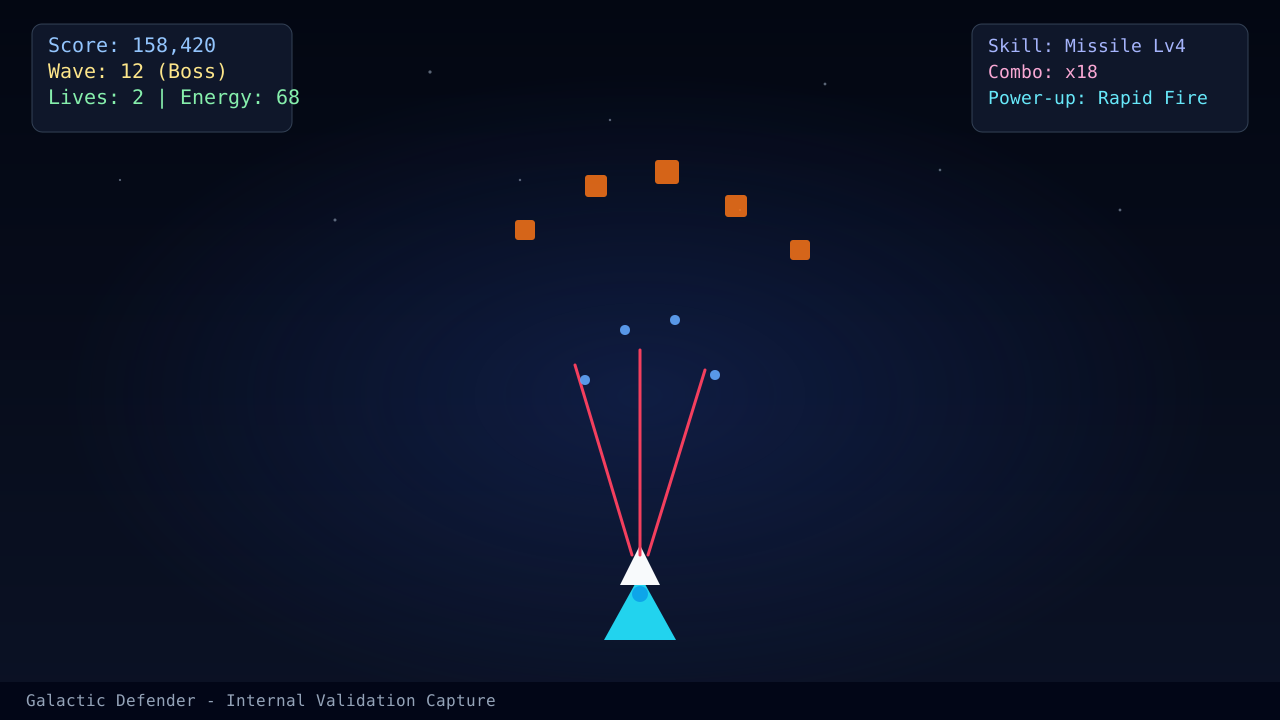
Keyboard movement is strongest when you treat it like lane control, not analog steering. The problem is that many players hold a key until the ship is already too far, then slam the opposite direction. That creates a zig-zag pattern that looks active but quietly ruins aim and survival.
Use tap chains, not panic holds
A short left-right correction is often enough. Start with two or three light taps instead of one long hold. Your goal is to move only as far as the current bullet pattern requires, then return to the lane you already trust.
If you have not chosen keyboard intentionally, read the broader Controls and Input Guide first. This page assumes you already know keyboard is your preferred method.
Build a repeatable recovery lane
The quality of a dodge is not the dodge itself. It is whether you know exactly where the ship is returning afterward. That is why early survival improves when keyboard players pair this article with Beginner Survival Plan for Waves 1 to 10.
Drill: three-run reset practice
For the next three runs:
- Limit yourself to short horizontal corrections whenever possible.
- After every dodge, say the recovery lane in your head.
- If you cross the center without a reason, treat that as the real mistake.
Keyboard drill checklist
- •I am tapping first and holding only when the pattern truly requires it.
- •I know where my ship is returning after every dodge.
- •I am not crossing the screen just to finish one enemy.
- •My aim quality stays usable while I move.
Read next
- Combo Scoring Strategy for Personal Best Runs if your movement is good enough to start thinking about score tempo.
- Controls and Input Guide if you are still deciding between input methods.
- Complete Beginner's Guide if you want the wider progression roadmap.
What changed in this update
This page now focuses on tap-chain discipline and recovery lanes instead of mixing keyboard advice with general control theory.
Article FAQ
Why does keyboard movement feel too wide?
Most players hold a direction too long and force a second correction. Short tap chains create much cleaner spacing.
Should I still use keyboard if mouse feels smoother?
Use whichever input method gives you more predictable recovery lanes. Keyboard is strong when you want very deliberate lateral control.
Sources
- Official gameplay guide - Used to confirm weapon switching keys and overall movement context.
- Controls and input guide - Companion guide for choosing the right control setup before practicing keyboard-only movement.