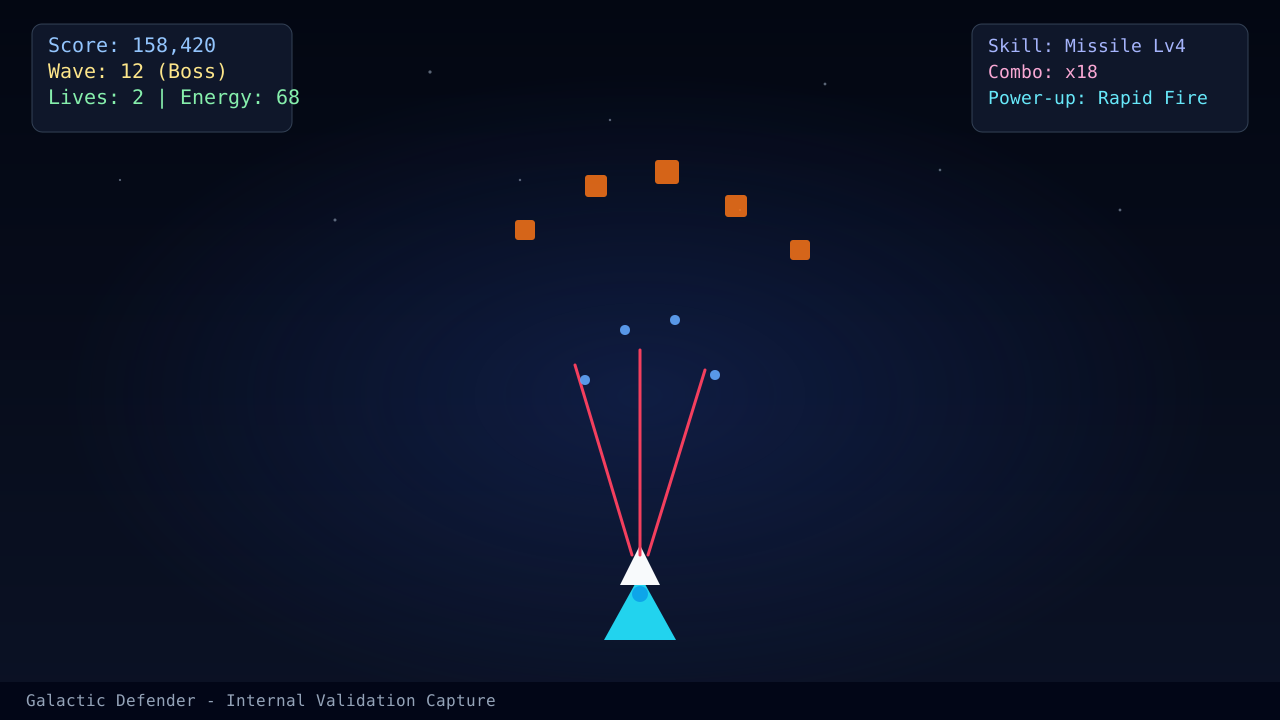
Browser performance problems are sneaky because they often look like bad decision-making. A missed lane swap feels like poor movement. A delayed burst feels like a bad weapon. Before you rewrite your strategy, make sure the client is actually responsive.
Fix the easy browser problems first
Start with the cheap wins:
- close heavy tabs and video streams
- restart the browser before a serious session
- disable battery-saving modes when possible
- retest on the live Play page after each change
If touch input still feels messy after that, compare your behavior against Mobile Controls Optimization for Consistent Aiming.
Signs the browser is the issue
You may be dealing with browser slowdown when:
- the ship reacts late even though your movement idea was correct
- long sessions feel worse than the first two minutes
- dense waves create inconsistent timing rather than consistent difficulty
What not to do
Do not compensate for lag by moving farther or spending more expensive shots. Those reactions usually create even worse recovery windows, which is why this page pairs naturally with Energy Recovery Patterns.
Read next
- Performance Tuning on Low-End Devices if the problem survives basic browser cleanup.
- Mobile Controls Optimization for Consistent Aiming if the browser is stable but touch execution is not.
- Energy Recovery Patterns if browser lag has trained bad panic-spending habits.
What changed in this update
This article now separates browser cleanup from device-level tuning so players can test the fastest fixes first.
Article FAQ
What is the fastest browser fix to try?
Close heavy background tabs, restart the browser, and test again before changing your gameplay approach.
Can browser stutter really look like strategy failure?
Yes. Delayed inputs and uneven frame pacing often trick players into over-correcting or overspending.
Sources
- Play page - Used to verify the current client behavior after browser cleanup.
- Performance tuning on low-end devices - Hardware-focused follow-up when browser cleanup alone is not enough.